calvinteoh replied
Customer Reply
Thanks for explaining the usage of the configurations; I understand the reasoning and would work on this per the recommendation :) Thanks!
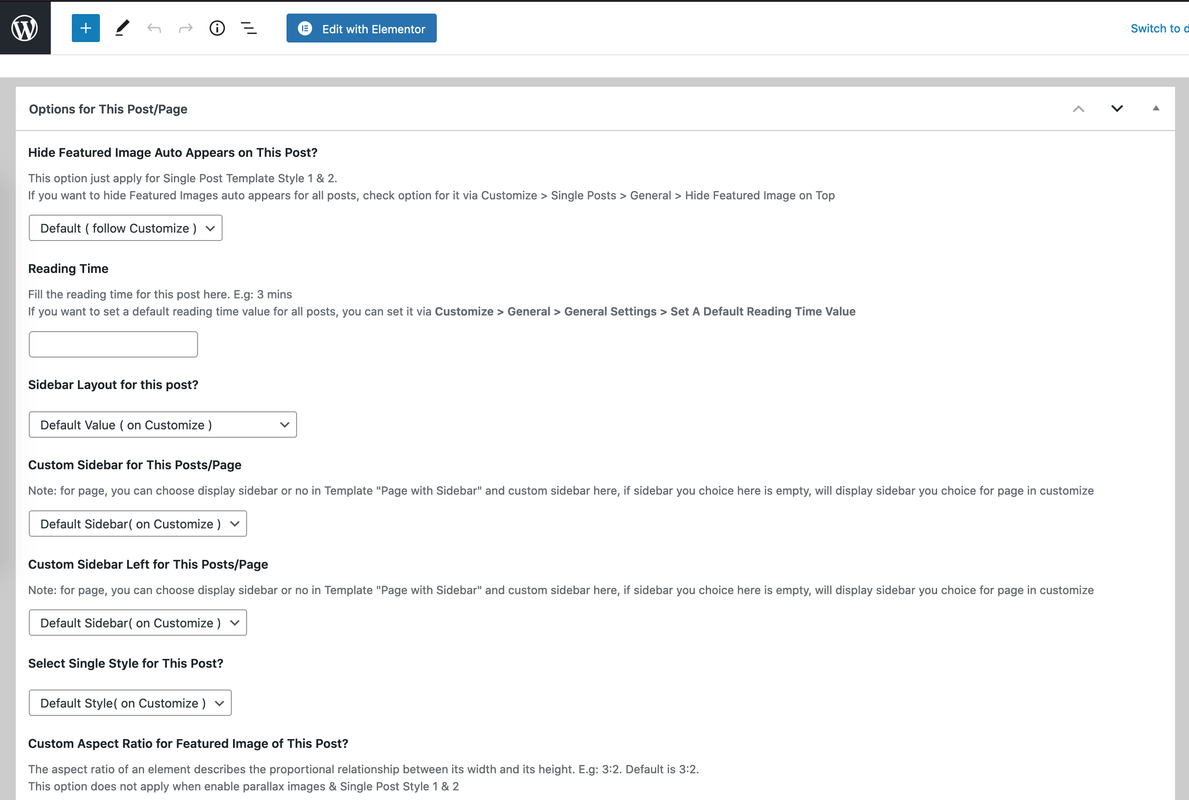
I manage to change the Single Post sidebar generally using the customizer (Customizing -> Single Posts -> General) where I can change the sidebar generally as shown below:

However if I try to change the sidebar for each category for Single Post, I am not able to do that. The option below are for the Category Post page instead of Single Post page.
With the option below (4 options below), I am able to change the layout of the Category Post's layout, sidebar (left/right) and also the component of the sidebar (using the custom sidebar).

However inside the Single Post, is there a way to change the sidebar? Where I can use different sidebar for each category?
Want to join this conversation or access attachments? Sign in first.
Open your ticket archive, review validated licenses, and continue product support conversations from one customer portal.