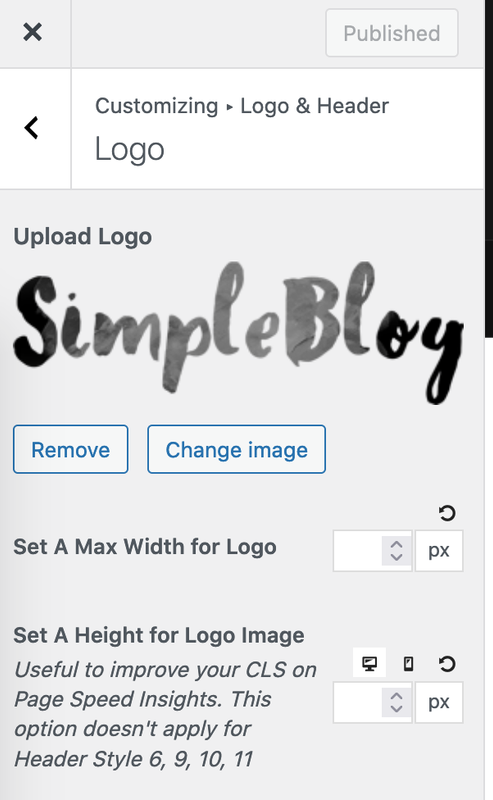
PenciDesign Supporter replied
Staff Reply
Hi,
1. I've checked the about page, the current image display is full size. Please follow this step to change image size and alignment with text content:
- Go to the post/page edit mode, select the image and click the Edit button:
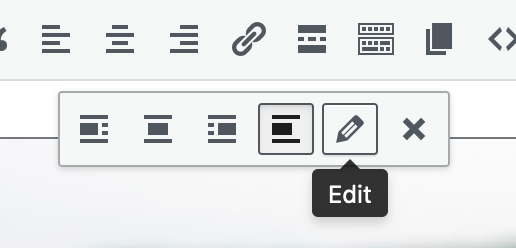
- Now the edit screen will show, you can edit the image size & align with the content:

2. The logo will display max-height: 80px and will be resized via CSS code. If you want to change to the custom, please go to Appearance → Customize → Custom CSS then add the following custom CSS code:
#navigation.header-6 #logo img {
    max-height: 80px;
}
Change 80px to your custom height. The image width will automatically change by the height ratio.Regards,
PenciDesign.