khphoon replied
Customer Reply
thank you very much, case resolved.. many thanks
thank you very much support.
i have successfully import the demo, but its look different from the demo that showed (header part). but nevermind..
another question, since the post (homepage) is customise, may i know where is the customise code that need to edit please? say for example categories "travel" as per the screenshot attached. once i rename it to something else, the categories will no longer show on the homepage. I would like to remain the demo design but with the post categories name accordingly.. may kindly please advice.. thank you
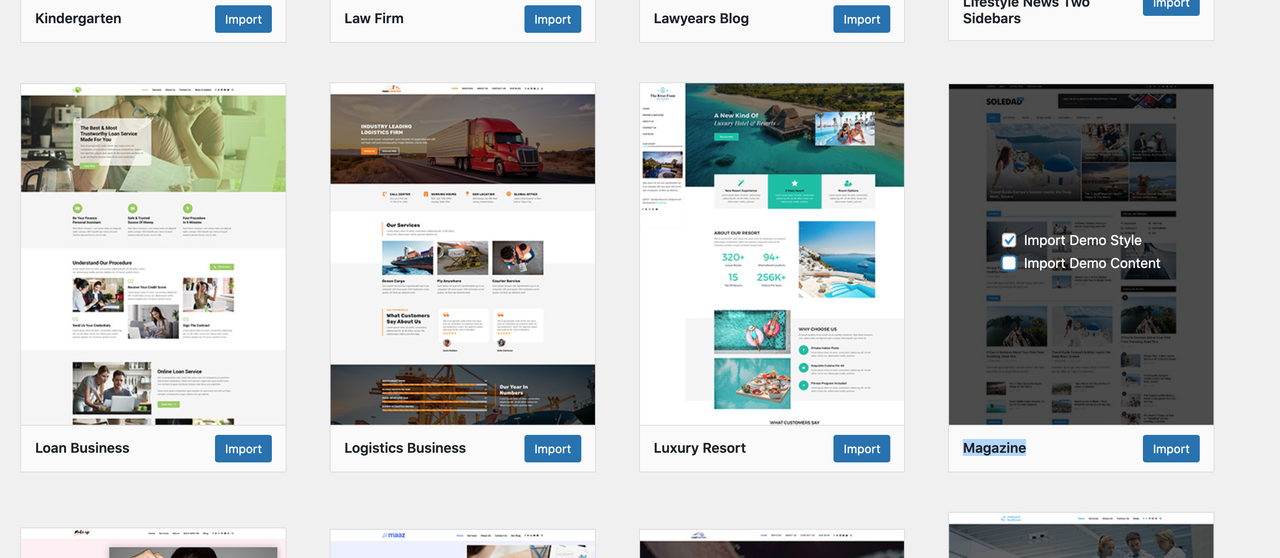
thank you support.. i would like to have this demo https://soledad.pencidesign.net/soledad-magazine/
but in the import section doesn't found this demo. may kindly please advice
Hi Support,
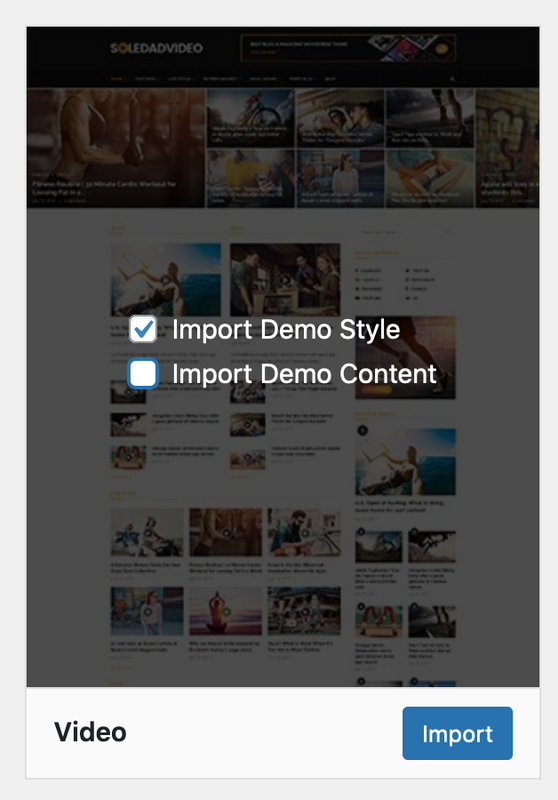
sorry if i may ask, i would like to know how i can set back the homepage as per the demo like https://soledad.pencidesign.net/soledad-video/ where block of posts on the homepage is being show.. what are the setting for this demo? appreciate
Want to join this conversation or access attachments? Sign in first.
Open your ticket archive, review validated licenses, and continue product support conversations from one customer portal.