Skip to content
Public Ticket #18398

Problems with styles

Conversation thread

fabiobaccaglioni replied

Customer Reply

great, i think i understand wha'ts going on, if you made some changes you need to delete cache, the browser cache keeps some CSS file cached and did not reload when you make some changes. Thanks!!!!
PenciDesign Supporter replied

Staff Reply

Hi,

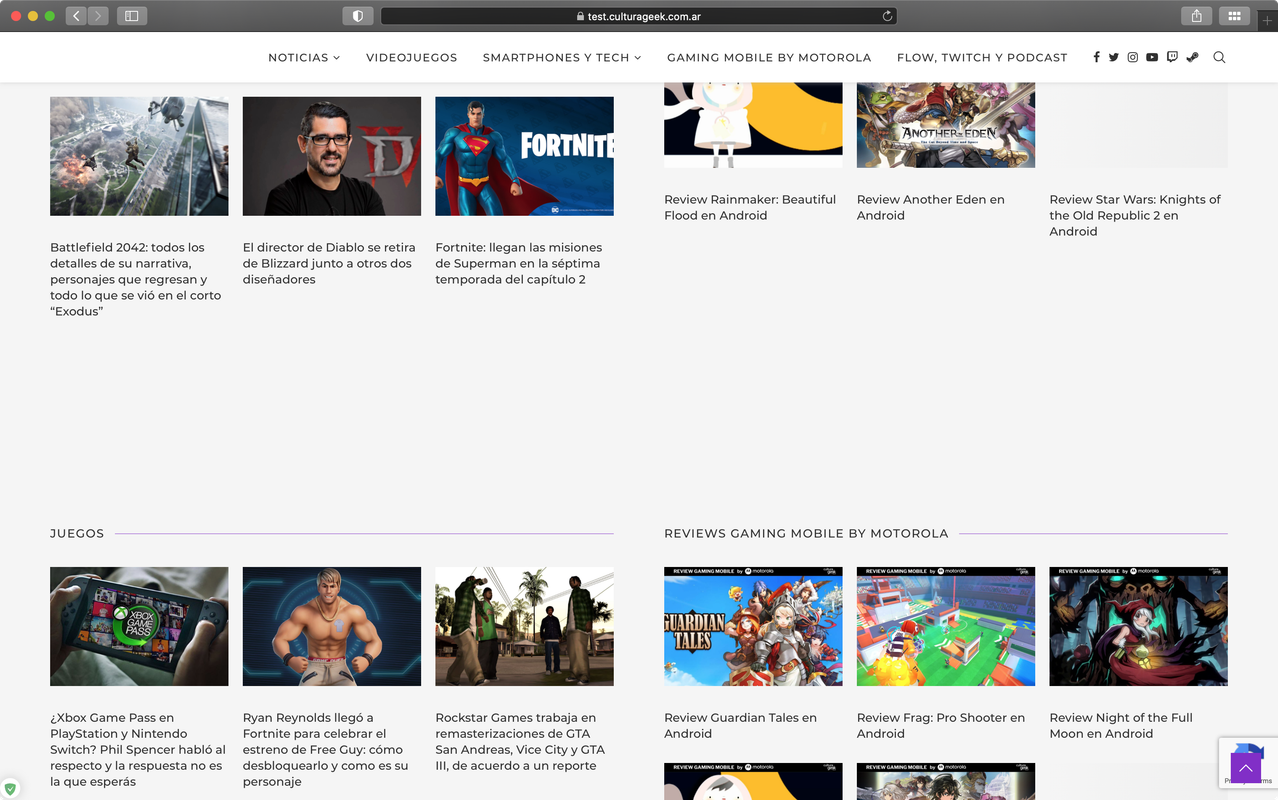
Here is a screenshot from my browser, everything seems working properly:

image.png

Please try to clear the browser cache or check your site on the incognito/private mode again.

Regards,
PenciDesign.


PenciDesign Supporter replied

Staff Reply

Hi,

Please send me your site URL. I need to check this issue on the live site.

Regards,
PenciDesign.


fabiobaccaglioni started the conversation

Conversation Start

Hi there, i'm starting with a new transformation for my client, i bought Soledad and installed a template demo (tech news) but the problem i have seems to be with some Elementor feature.

When I edit the home (the one installed with the demo importer) everything looks fine but when i copy a row, or add one or something every style is gone, not in the editor but in the published page.

So if i changed the background of a row it looks perfect in the editor but fails in the published page, background, size of typography, width of the box.

Even if I duplicate a row from the demo the new one fails.

as you can see in the two pictures, the background (grey, f5f5f5), the size of typography (14px), the padding and the width of the box (1460px) are not respected in the published one but are present in the Elementor editor.

Can someone help me with this? Could be a plugin compatibility problem? 

Want to join this conversation or access attachments? Sign in first.