bakab replied
Customer Reply
Thanks for the update, problem solved.
We added css for the gradient color transition, the code below breaks it, I think I removed the code, it's fixed, can you check it too?
.penci_builder_sticky_header_desktop:after {
content: '';
width: 3000px;
height: 4px;
animation: customrotate 3s infinite linear;
background: linear-gradient(to right,#30ff90 0,#ed2ded 25%,#ff7600 50%,#30ffe6 75%,#30ff90 100%);
position: absolute;
bottom: 0;
}
@keyframes customrotate{from{background-position:-3000px}to{background-position:0}}
same error as metaevren.net
All URLs except the URLs in the attached image give this error.
I cleared the cookies a few times.
https://metaevren.net/meta-oculus/
https://metaevren.net/resident-evil-4-vr-mercenaries-modu/
https://metaevren.net/microsoft-icin-ar-space-anchors-patentini-aldi/
Hi,
The error does not appear on the pages that I created the critical CSS, but the error persists in the subpages and content pages that I did not create
when run it gives the following error
I encountered another problem, while the page is loading, a broken layout appears as in the attached image, then it is fixed, it constantly does this when switching between pages.
Thanks, it was a very nice header, the only problem remained, the attached css code does not work
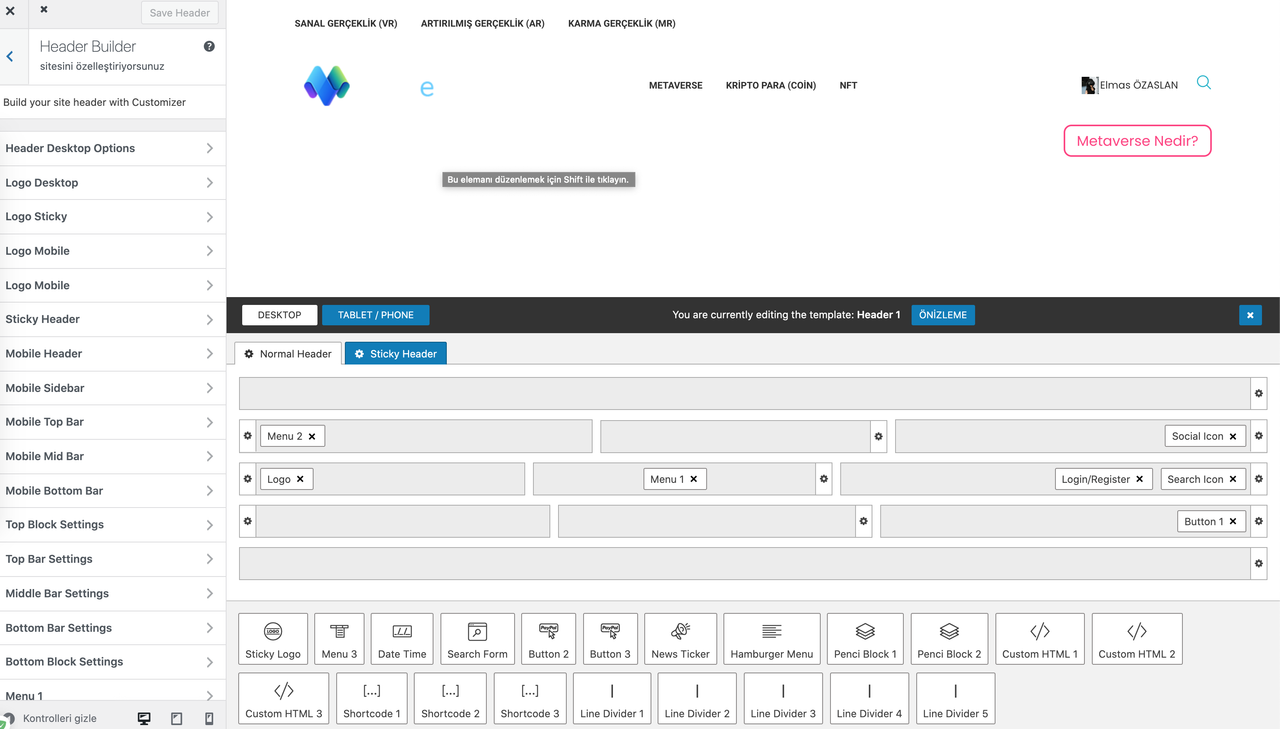
The header background I edited is black, but when I preview it, it looks white. The background that should be in the attached picture is white instead of black, in some of my edits it is not seen the same way, the border is not visible either.
i edited header
when i preview it looks like this
When I refresh the page after saving the template in the admin panel, it looks like the following, many changes are lost
Want to join this conversation or access attachments? Sign in first.
Open your ticket archive, review validated licenses, and continue product support conversations from one customer portal.