PenciDesign Supporter replied
Staff Reply
Hi,
Soledad doesn't show the comment area in the Page Full-Width template, please use the Page No Sidebar template in this case.
Regards,
PenciDesign.
This is a bug, because if I don't, the default image will have the border-radius property. It makes the image circular. Hopefully in the new update it will be fixed.
Yes I did it. But since you update to the new version and configure it right on the website, the mobile version has a low score. It used to be 98, now it only gets 76 points. PC version works fine
sorry this is my fault i downloaded the file from themeforest and installed. I did as you instructed and it worked. I thought it was the same. Thank you
I downloaded the latest version and followed your instructions. Nothing changes. That error is still there.
Where can I hide the author info on the author page? Is this theme supported?
I had the same problem, losing my child-theme's style.css file after updating to version 8.0.7.
Luckily, after I rolled back to the old version (8.0.6), and then updated to version 8.0.7 again, the child-theme's style.css file loaded properly. Hope it will be useful to you.
please help me here, i'm a wordpress developer too, i'm not as good as you guys but i think i can understand the problem if you help me because my website is very old and has a lot of data so I can't share it.
thank you
I am activating the Soledad Child theme. But when I enter the css code in the style.css file in the child theme, it doesn't work. I have cleared all caches including: Critical cache, plugin cache, browser cache. When I ctrl+U, I don't see the child theme's style.css file being called, it's still calling the main theme's css file. Why is that?
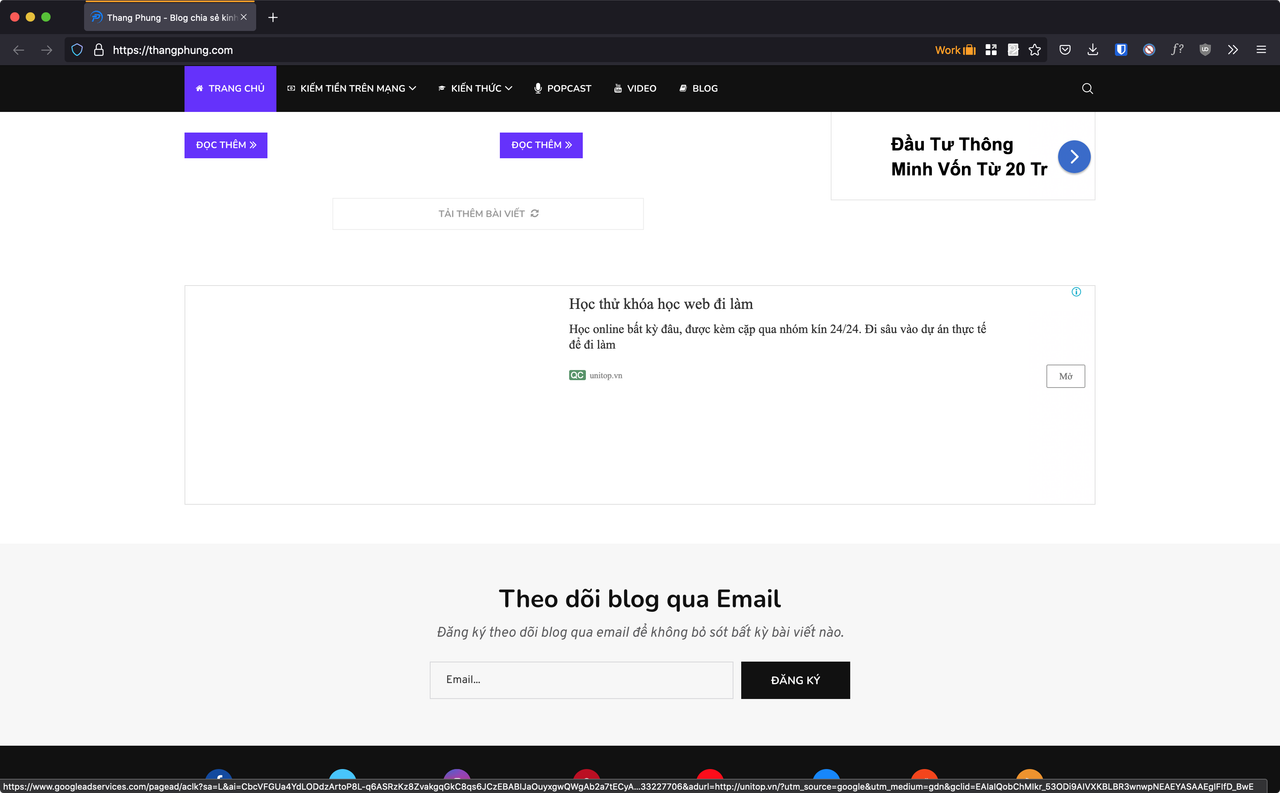
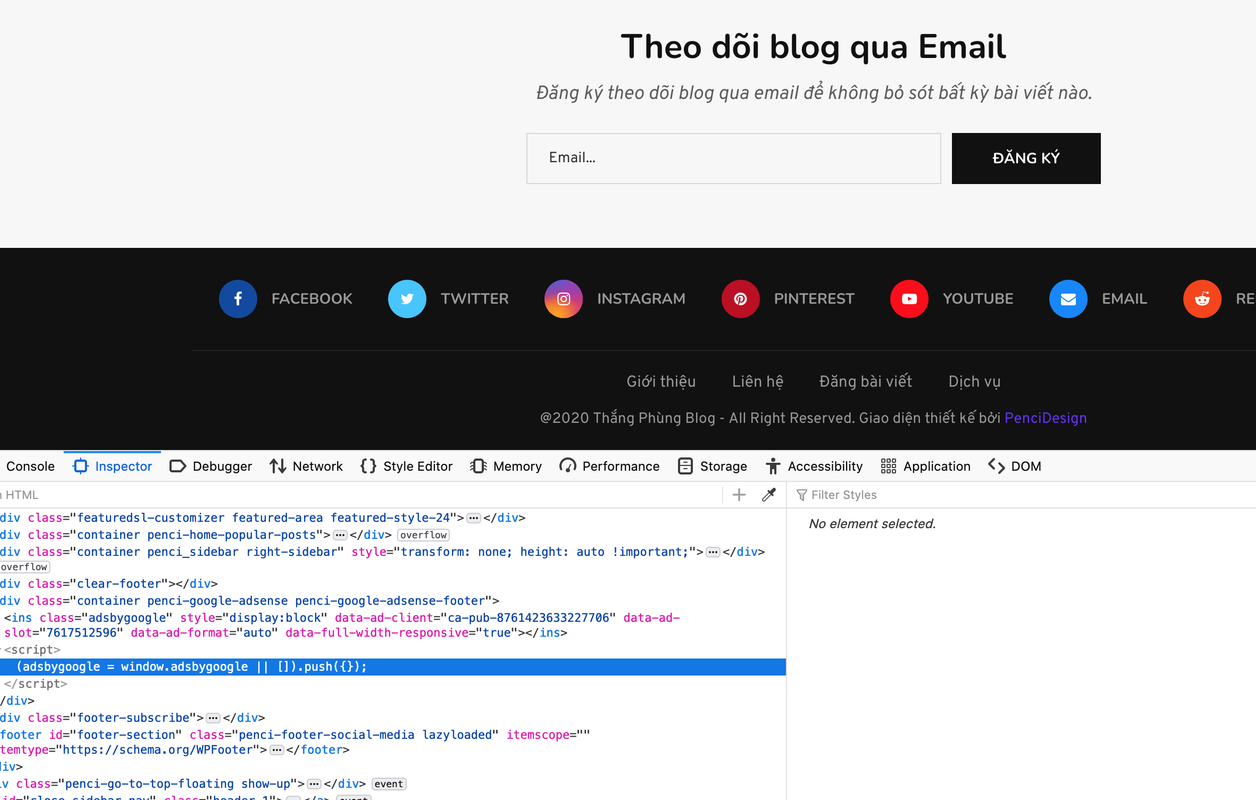
it's still css, you can see the attachment
I just updated to the new version 8.0.7, I followed the instructions. But the css is not compressed.
Hello
I followed all the steps on website speed optimization you suggested. There aren't any error messages.
However when I check the website by pressing f12 on the keyboard. I don't see the compressed css file at all. Why is that? Did I miss it or is your system faulty?
Want to join this conversation or access attachments? Sign in first.
Open your ticket archive, review validated licenses, and continue product support conversations from one customer portal.