Skip to content
Public Ticket #18945

Page speed excessive dom size

Conversation thread

PenciDesign Supporter replied

Staff Reply

Hi,

1. I'm checked your site from Asia, but the location doesn't affect the result on Google PageSpeed,

2. I'm still have not found the DOM Size issue on your site:
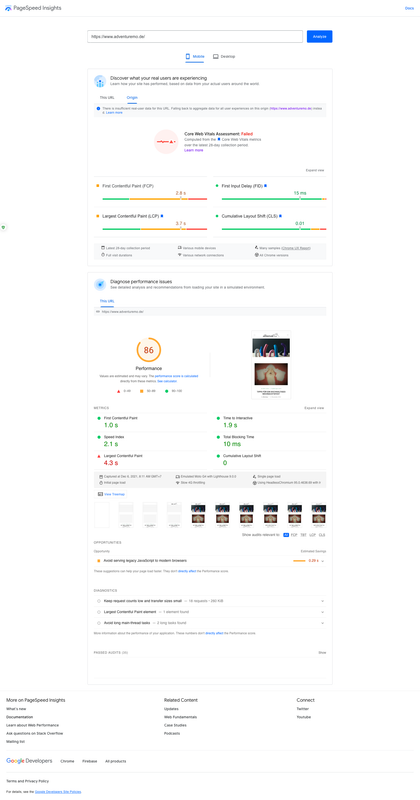
image.png

3. About the DOM size, this is not an error, this is a warning from Google because your site has many HTML elements (included the HTML element rendered by your ads). Remember that the more complex your page is, the larger your page's DOM size likely is. So you can ignore this message.

Regards,
PenciDesign.

Thomas Grah replied

Customer Reply

Hi,

Wow, thanks fot the fast reply on a sunday.
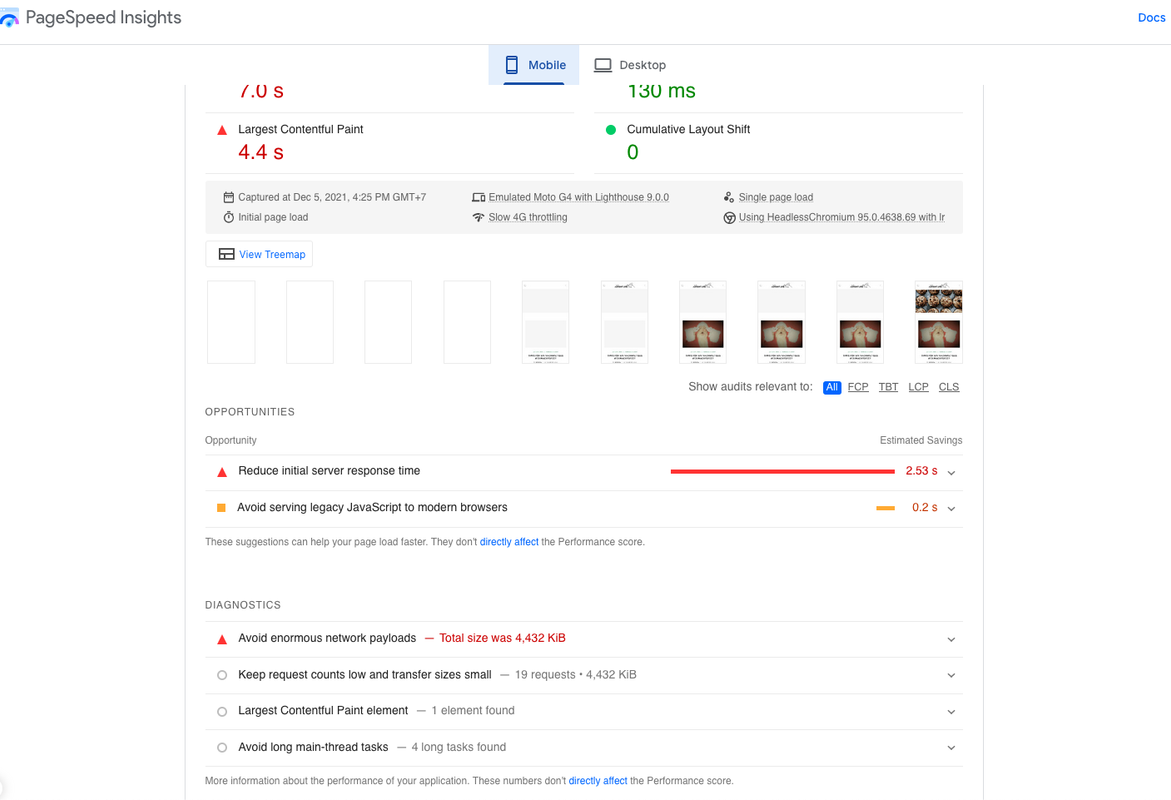
Strange, your findings do not at all replicate my results.
That might be related to Ezoic, that caches our website and delivers it from different locations.

May I ask you from where you requested the page speed insigths? Maybe i can delegate part of the performance problem to them.

Please see attached screenshot for the results concerning the DOM.

Thanks and kind regards,
Thomas

PenciDesign Supporter replied

Staff Reply

Hi,

1. I've checked on the Google PageSpeed Insights: your site passed almost the important keys, including the Page speed excessive dom size.

image.png

2. Soledad already included the PageSpeed Optimization feature, you can discover & follow the instruction here: https://soledad.pencidesign.net/soledad-document/#speed-optimization

Regards,
PenciDesign.

Thomas Grah started the conversation

Conversation Start

Hi,
i'm trying to optimize my page speed score. After deactivating all unnessecary plugins, the remaining problem is "excessive DOM size". How can I solve this problem ?

Thanks and kind regards,
Thomas

Want to join this conversation or access attachments? Sign in first.