La-Ness Albert replied
Customer Reply
Thanks a lot! I got it working :)
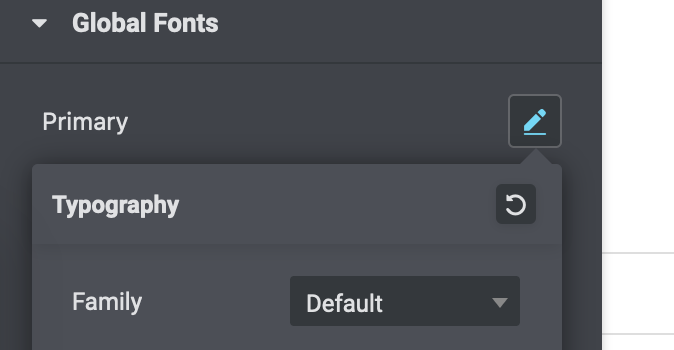
Thank you, I know how to generally change the Global Settings in Elementor.
The problem is: I want to have exactly the settings of your Soledad Demo 'General Blog' and I cannot find out what these settings are or how to override them automatically.
I am using a WP Sandbox too (which was blank) and when I installed the Soledad General Blog demo there, I had the Global Fonts and Typography automatically.
Please help.
Hello,
I have just installed the Soledad theme + General Blog Demo (only settings) in my Wordpress where I have previously designed a Website using Elementor Pro und the Hello Elementor theme. For my previous design I had also used a template kit and I had set in the Global Site Settings the Global Fonts and Typograhpy tab according to the template kit.
However, I want to have the Typography and Global Fonts Settings which are used in your Soledad General Blog demo and I hoped this would happen when I installed the demo settings. I just checked and my Global Site Settings are still the old ones and it does not look good.
So the question is: did I do something wrong? How can I make sure I have the Global Fonts and Typography settings exactly like in your demo? Do I need to delete my old settings in advance?
Thanks in advance for your help.
Want to join this conversation or access attachments? Sign in first.
Open your ticket archive, review validated licenses, and continue product support conversations from one customer portal.