morobison replied
Customer Reply
I was able to locate source of the problem: AMP Settings. I had to switch it to Reader Template mode. It now works.
Yes, cleared cache, still doesn't work - still shows mobile version. You can try my website on your end on mobile device: monterobison.com
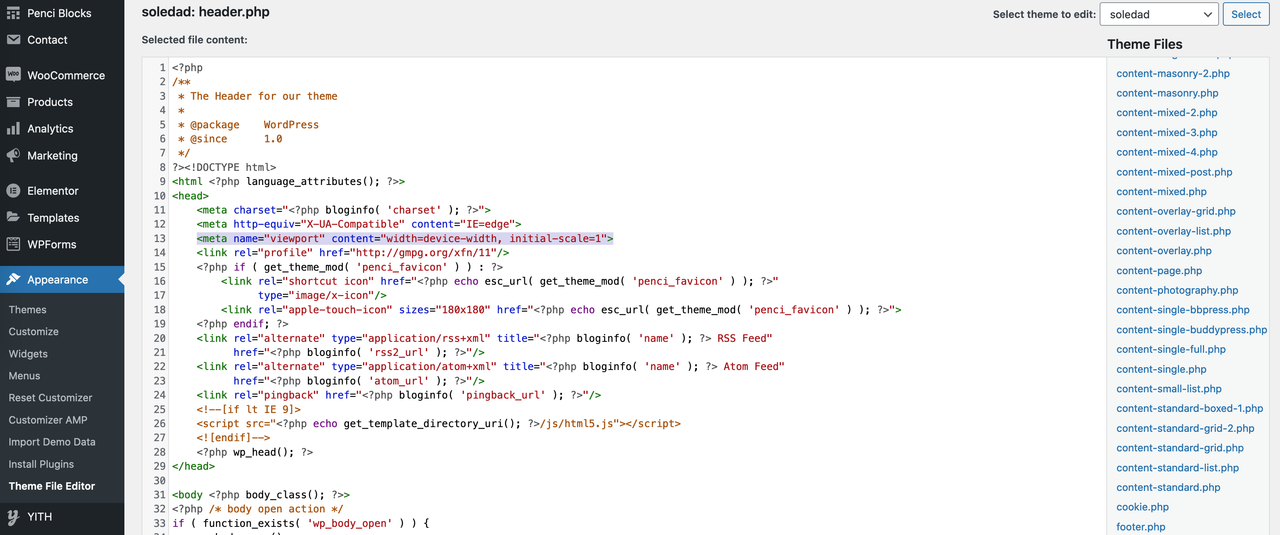
Ok, I tried that suggestion and deleted that line; unfortunately, the mobile theme wasn't been disabled.
How do I disable the mobile version of Soledad theme from being triggered at first on mobile phone versions? It's just plain text, doesn't look good. I searched everywhere and couldn't find an answer ...
Want to join this conversation or access attachments? Sign in first.
Open your ticket archive, review validated licenses, and continue product support conversations from one customer portal.