Dragan Blazic replied
Customer Reply
Hello ,
Seems it's fixed now.
Thank you very much!
Best regards.
Hello,
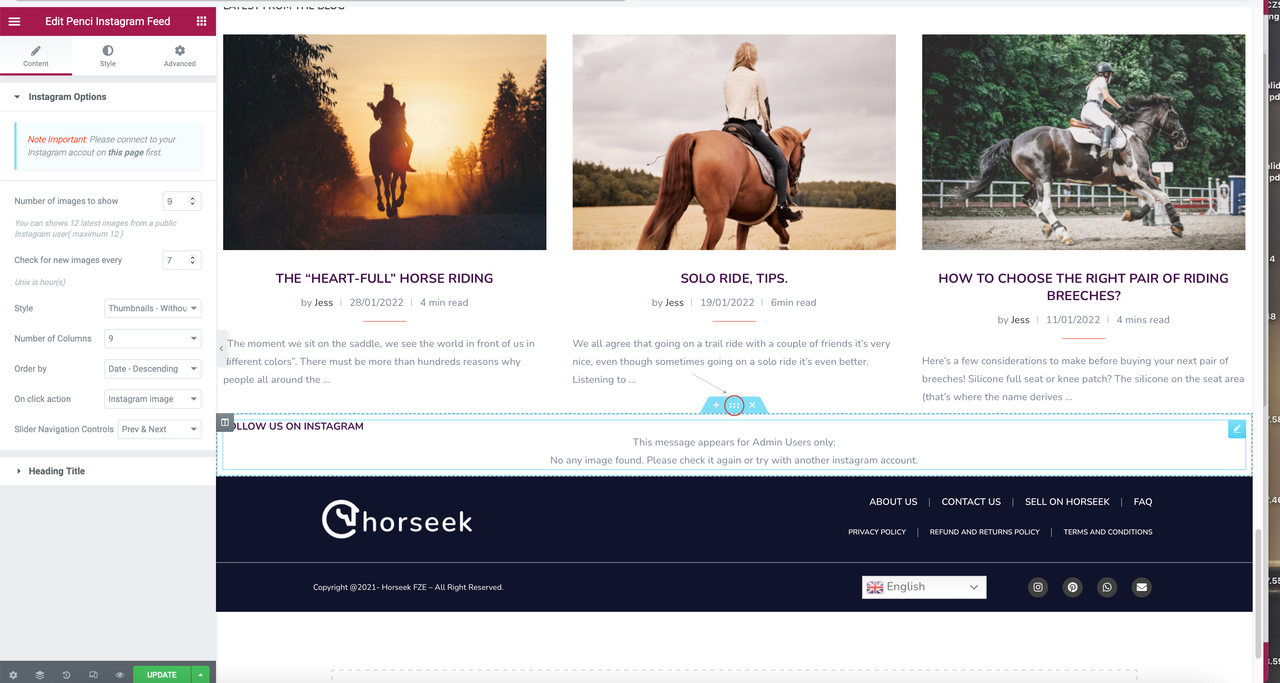
I'm using Top Instagram Bar and Main Sidebar, but photos are not found.

Please for support.
Thank you!
Solved, thank you!
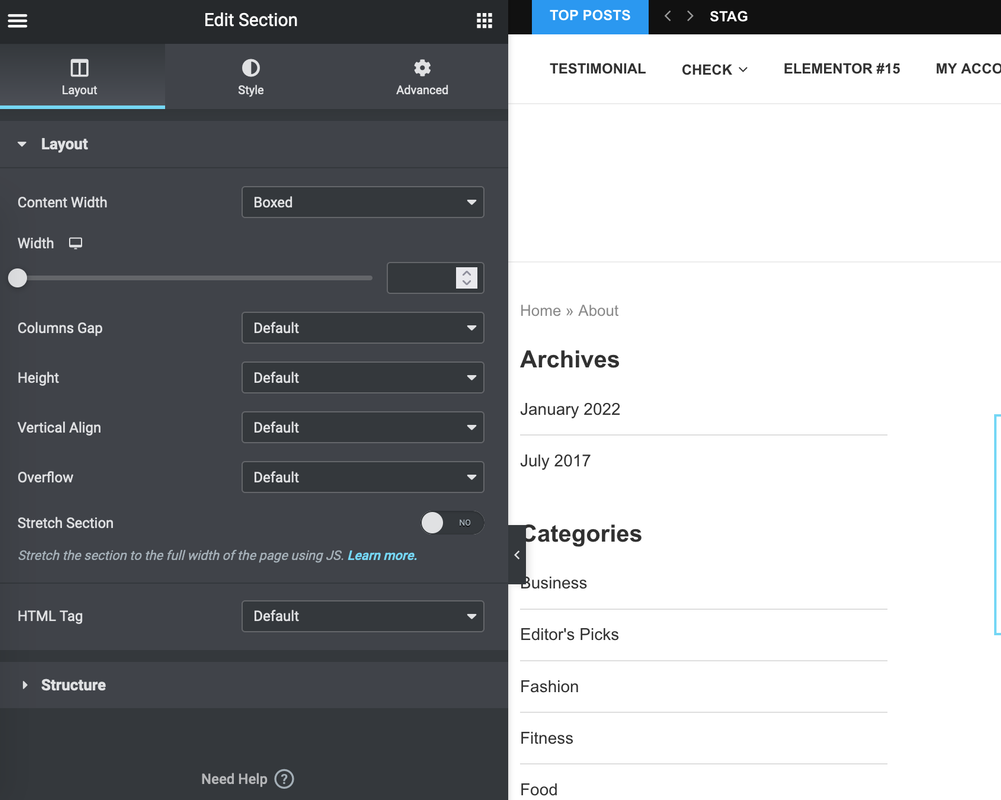
Hi guys. By doing that I don't actually see a "layout" tab or anything similar. Attached what I see. Full width is already set.
Hello guys,
I need help to make the instagram footer full width (like the real footer). Attached you can find the current settings for the footer.
Want to join this conversation or access attachments? Sign in first.
Open your ticket archive, review validated licenses, and continue product support conversations from one customer portal.