Skip to content
Public Ticket #19897

Two questions

Conversation thread

PenciDesign Supporter replied

Staff Reply

Hi,

About the mobile search color, please check the code you've in the Customizer settings, maybe locate at Appearance → Customize → Logo & Header → General → Add Custom Code Inside <head> tag.

Regards,

PenciDesign.


Paxos Magazine replied

Customer Reply

I didn't realize that I had done it! As for the color of the search bar, I didn't add any CSS and as you can see it's green, only I don't remember what I was told here on the forum in the settings where the color should be changed.

PenciDesign Supporter replied

Staff Reply

Hi,

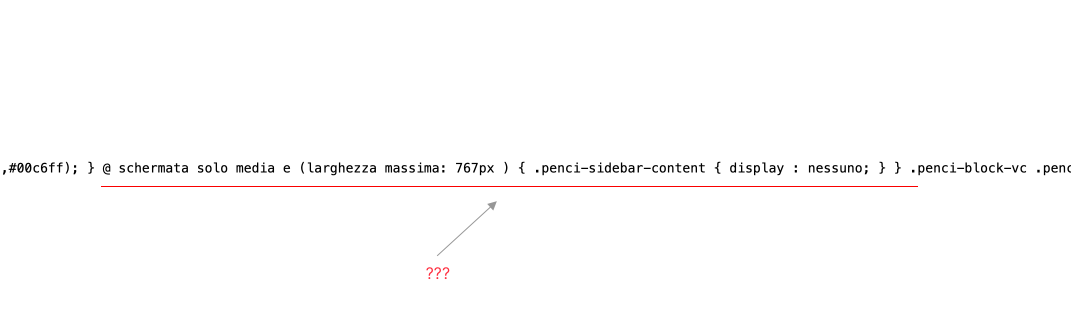
Please don't translate the CSS code.

image.png

Regards,
PenciDesign.


Paxos Magazine replied

Customer Reply

I have inserted again the code and emptied the cache but however it does not remove itself 

PenciDesign Supporter replied

Staff Reply

Hi,

Please re-add this code, clear all the site cache then check again. I've tested this code on my local development site before sending it to you.

Regards,
PenciDesign.


Paxos Magazine replied

Customer Reply

yes the code isnerito from last night but on the mobile version and not disappeared

PenciDesign Supporter replied

Staff Reply

Hi,

Please clear all the site cache then check again. I'm not found the code you've added to your site.

Regards,
PenciDesign.


Paxos Magazine replied

Customer Reply

I remember the last time that the color of the search bar was changed from the custom settings of the theme and not as the guide says, only I do not remember where the item is. 

second thing I added the code on the CSS but it is not gone from mobile 

Paxos Magazine started the conversation

Conversation Start

The first question is where was the setting to change the color of the search bar of the Mobile version I leave attached image

the second question is how can I remove the side menu only for the mobile version I leave also here the attached images

Want to join this conversation or access attachments? Sign in first.