PenciDesign Supporter replied
Staff Reply
Hi,
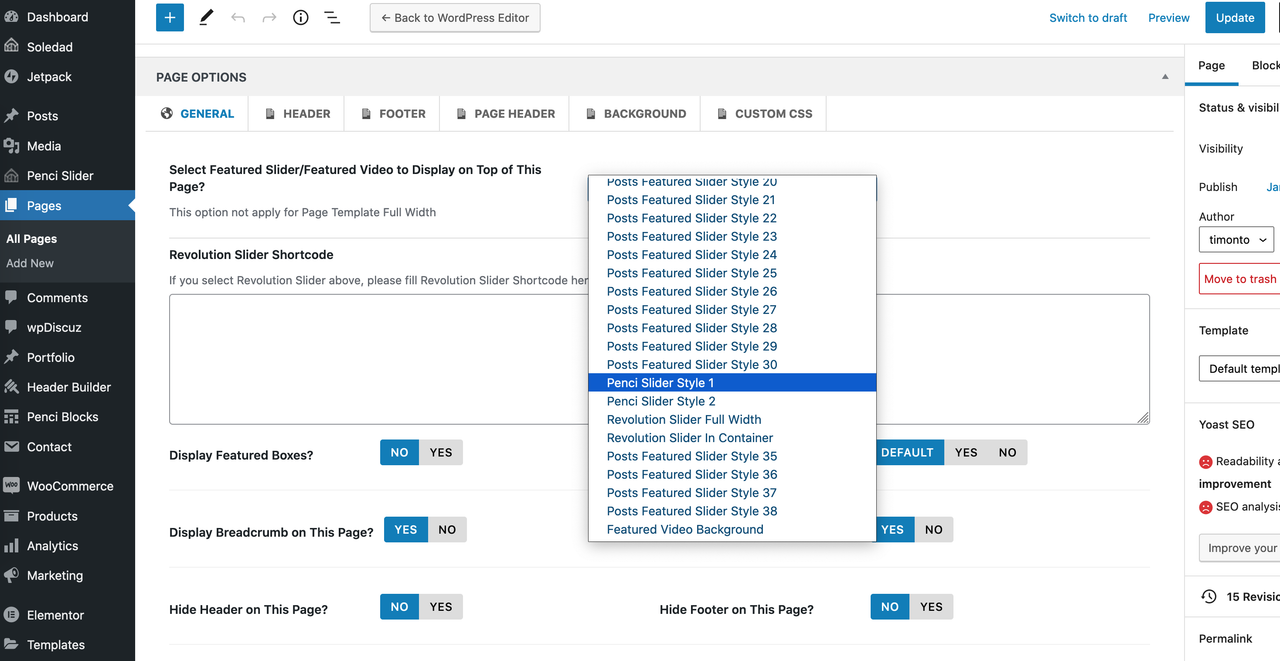
About the color you want to change, you need to go to the dashboard → Penci Slider: select the Slides you want to change then modify the Slide Settings like the screenshot below:
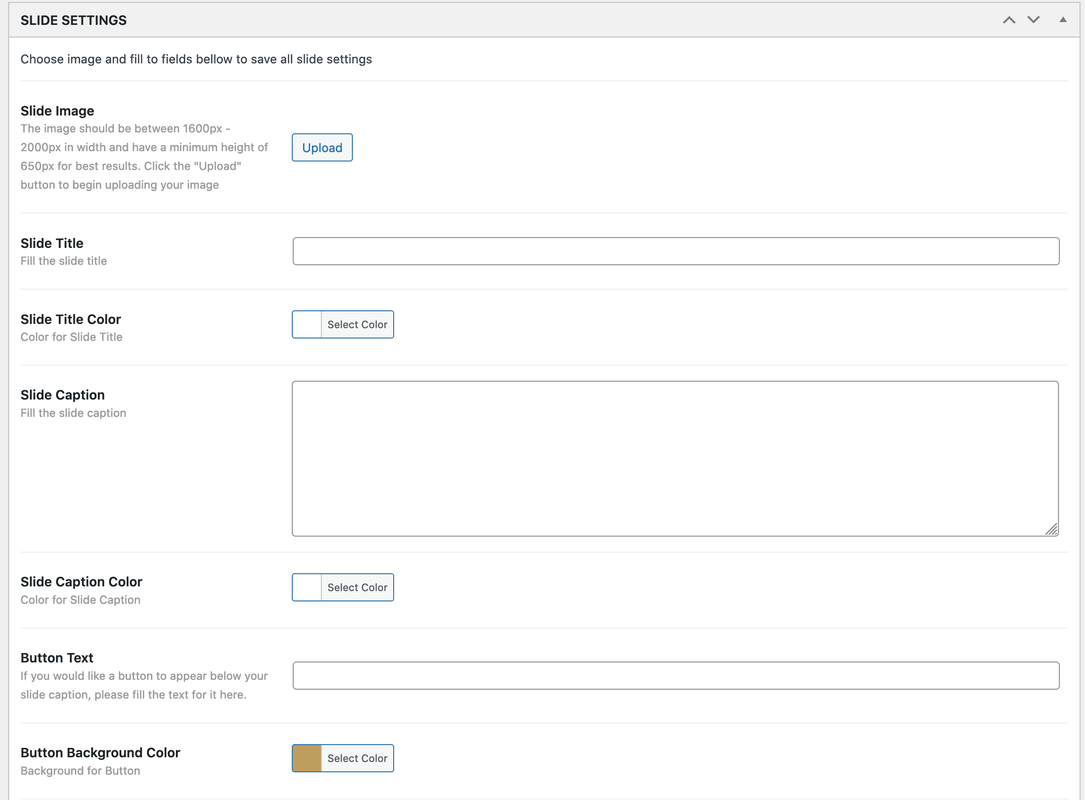
If you want to change the background color, Please go to Appearance → Customize → Custom CSS then add the following custom CSS code:
.pencislider-container .pencislider-content .pencislider-title span {
    background-color: #000;
}
Change #000 with the color code you want to display.
Regards,
PenciDesign.