Skip to content
Public Ticket #25881

some website things to edit

Conversation thread

PenciDesign Supporter replied

Staff Reply

Hi,

1. Please go to Appearance → Customize → Custom CSS then add the following custom CSS code:

.penci-menu-hbg .menu li a {
    font-family: var(--pchb-main-menu-font);
}

2. Navigate to Customize → Homepage → Home Title Box → Homepage Featured Categories Title Box Align; select "Right",

Navigate to Sidebar → General → Sidebar Widget Heading Align: select "Right"

Regards,
PenciDesign.

zeronawaftrx started the conversation

Conversation Start

welcome Penci Team

I have two simple problems with the template, and I haven't found a solution to them, I hope you can help me with them

1 - 

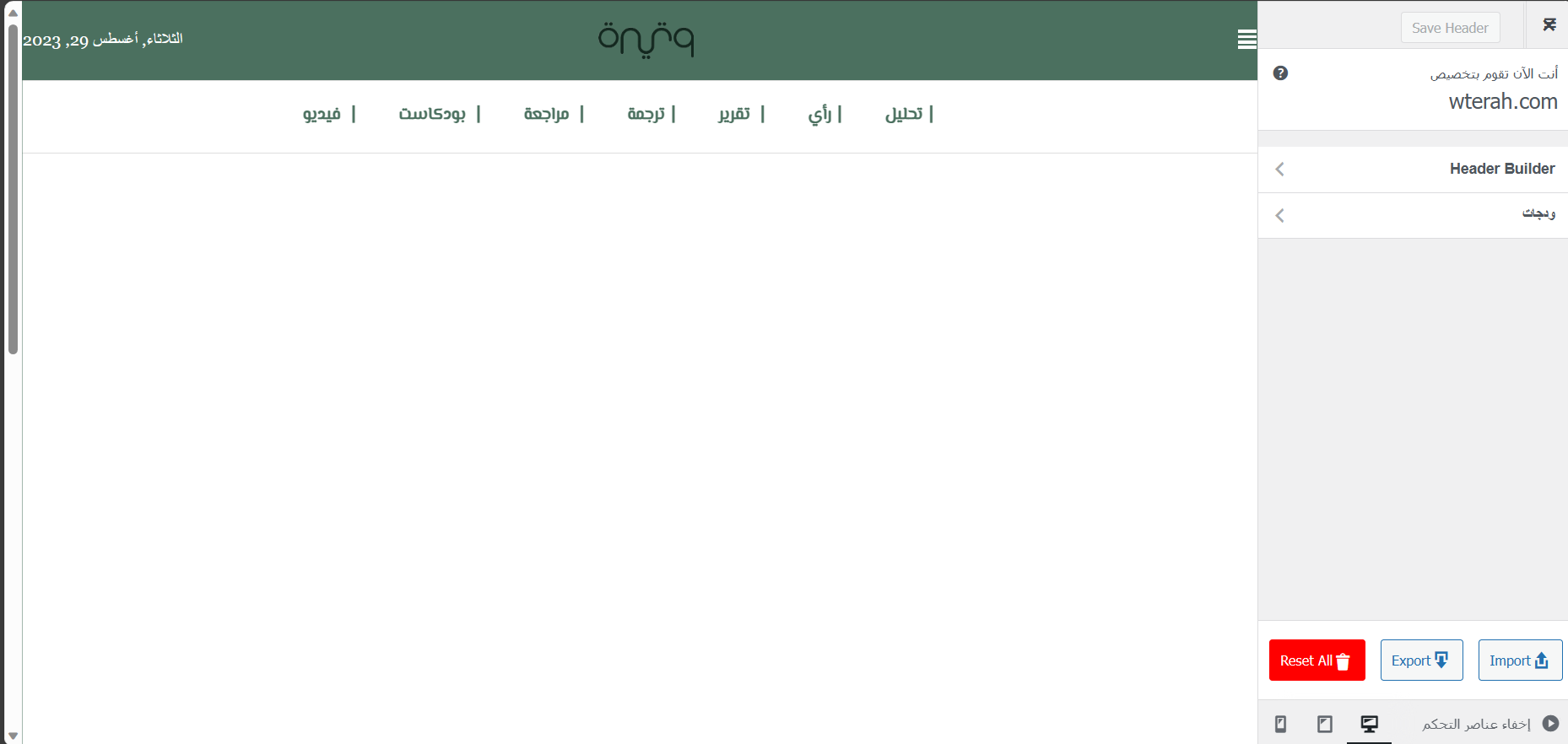
I use a specific type of font on the site, and this type of font is of an Arabic type, and its name is Al-Masiri. The only problem I have is that I did not find a way in the options and settings of the hamburger menu to modify the font type.

Illustrative image

The first is for the font I used in the main menu

image : 

p_27974zbrf1.png

The second one is for the font that I want to change to the same font as the first image in this hamburger menu

image :

https://ibb.co/V30V8v6

2 - 

I used the design template called soledad-art-magazine, but I encountered a problem. I design the magazine in the RTL system in the design template, but the titles and categories appear in the LTR system, and I could not figure out how to modify them

Pictures to illustrate the problem 

https://ibb.co/pXF5Skv
https://ibb.co/Lv2S4wM
https://ibb.co/n3Zp4Ct

Want to join this conversation or access attachments? Sign in first.