Skip to content
Public Ticket #29985

header for category and post

Conversation thread

MArco replied

Customer Reply

Thank you so much

PenciDesign Supporter replied

Staff Reply

Hi,

I’ve updated your site. The issue was caused by renaming the 'soledad' theme folder, which prevented the update process from working correctly.

Regards,
PenciDesign.

PenciDesign Supporter replied

Staff Reply

Hi,

Please follow the documentation below to update Soledad to the latest version.

How to Update A Premium WordPress Theme to the Latest Version?

If you’re unable to update, please send your WordPress admin credentials in a private reply. I’ll log in and assist with the update.

Regards,
PenciDesign.

MArco replied

Customer Reply

Hi, thanks for the support, unfortunately I can't find that option, then I realized that the theme version was old.  I tried to update the theme but it tells me that it is already at its latest version.

how can I solve it?

I attach the screenshot of the category 
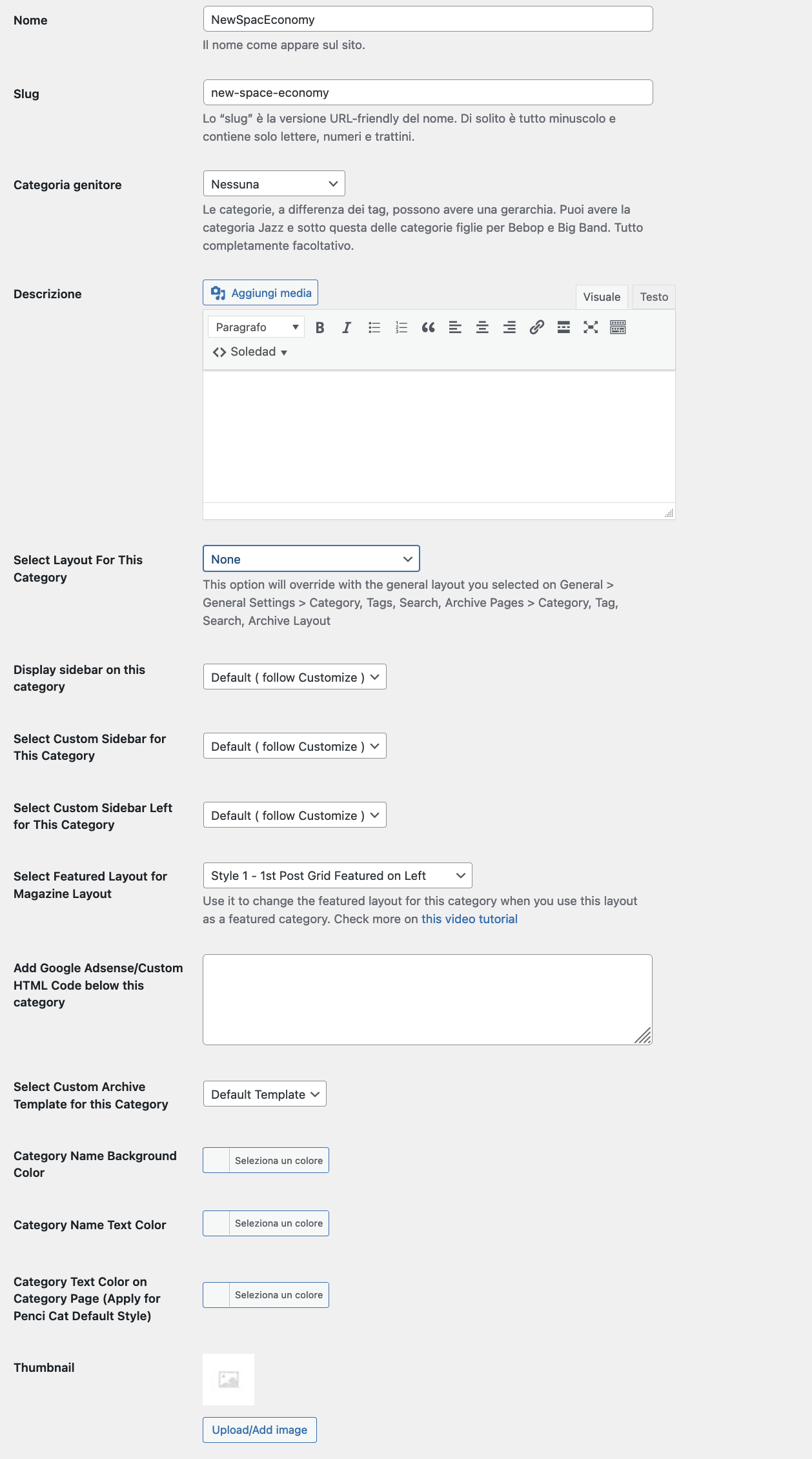
Screenshot-2024-11-13-alle-10.40.07.png

Thanks

PenciDesign Supporter replied

Staff Reply

Hi,

You can select a custom header for a specific category by going to Dashboard → Posts → Categories. Click 'Edit' on the category you want to change, then modify the Header options.

Unfortunately, the current version of Soledad doesn't support adding custom headers for post templates. We'll include this option in a future theme update.

Regards,
PenciDesign.

MArco started the conversation

Conversation Start

Hi, is it possible to use a custom header for custom category and post templates?

Want to join this conversation or access attachments? Sign in first.