elakri_khalid replied
Customer Reply
Thank you dear,
I used a snippet for that.
Now it's fine.
Hi,
Unfortunately, by going to Appearance > Customize > WooCommerce Text Translation
and also by going to Appearance > Customize > Quick Text Translation
There is no field for "Select options" to translate !! Could you check in your backend WP please.
I think it's related more to Product Page or to the Style.
Thank you in advance,
Hello Team,
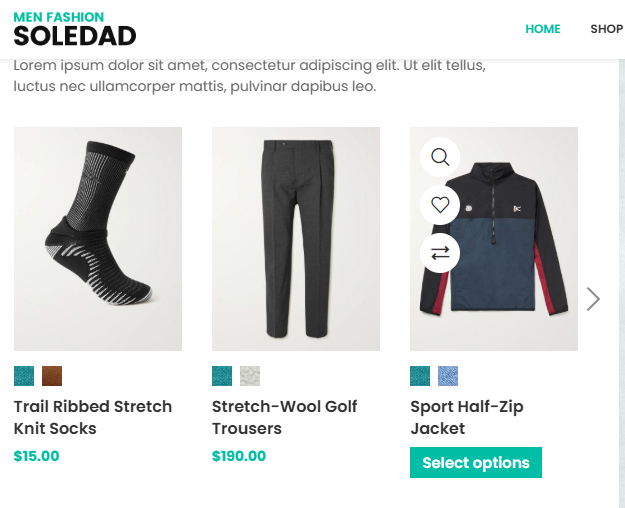
Where can I translate the words button "Select options" ? Really I can't find where exactly. I tried (Quick Text Translation) and (Woocommerce Text Translation) but did not find it.
All the best.
Want to join this conversation or access attachments? Sign in first.
Open your ticket archive, review validated licenses, and continue product support conversations from one customer portal.

