emersonerlls1 replied
Customer Reply
Thanks, that wasn't exactly what I needed, but I managed to solve it in the page options, where there's a choice to not show the page title.
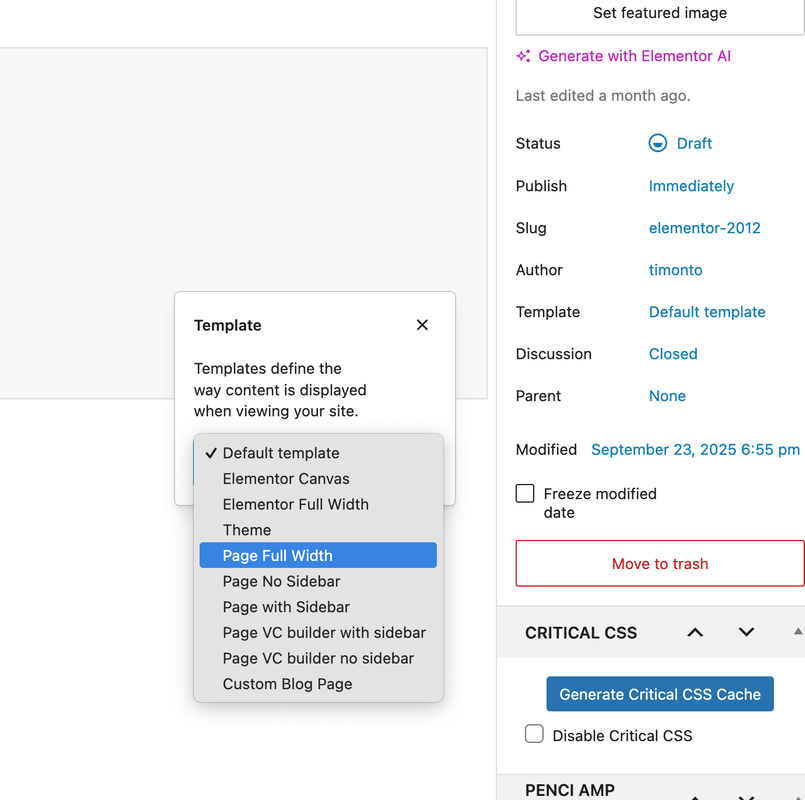
I did what you asked, the space became smaller, how do I remove the page name from that location? When I showed it in the first photo in the first -ticket-, I had removed the name "home", but I realized that the page was left without a name, so I renamed the page, but the name still appears there.
How can I remove this name from the page body and also remove the spacing between the header and the body?
Hello, I hope you are well.
How can I modify or change the text fonts in my theme?
I have a question about another theme. When I was editing my theme, I noticed a blank space between the theme header and the body, as shown in the attached image. How can I remove this blank space?
Want to join this conversation or access attachments? Sign in first.
Open your ticket archive, review validated licenses, and continue product support conversations from one customer portal.